
Local LLM
Models running on your own hardware. Your documents never leave the building, and there is no per-seat meter.
Nothing leaves the building
For regulated work, client files or patient data, sending documents to an external service is often simply not an option. Running the model locally keeps the data inside your own network perimeter and under your existing controls.
- Private model hosting with no external calls
- Retrieval over internal documents and file shares
- Role-based access to models and data sources
From first call to steady state
- 01
Workload definition
What the model must do, how often, and how fast, then sizing follows.
Sizing from workload, not from a specification sheet. - 02
Hardware planning
GPU, power, cooling, and rack space planned against the model you intend to run.
Facilities constraints caught before purchase, not after. - 03
Deployment
Model hosting, retrieval over internal documents, and access control configured.
Verified that no traffic leaves your network. - 04
Operate
Evaluation, model updates, and usage review on an ongoing basis.
Models improve quickly; a static install loses value.
This is usually when we get the call
- Regulatory or client obligations rule out sending documents to a hosted service
- Per-seat AI licensing costs scale faster than the value it returns
- Latency on hosted models makes interactive use impractical
- Data must demonstrably stay inside your own network
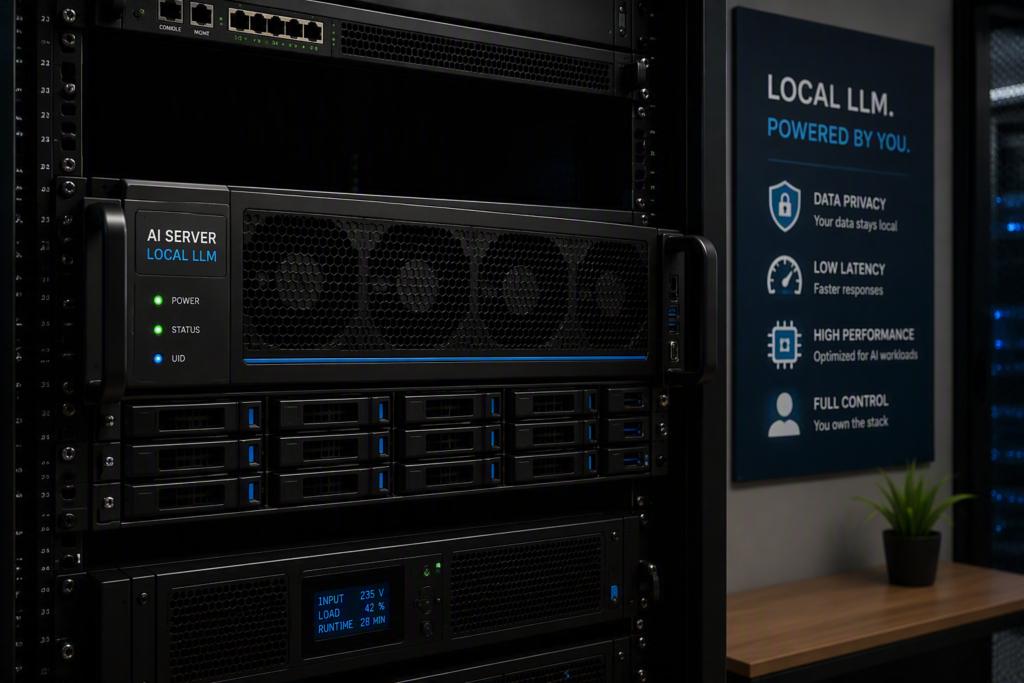
Sized and planned like real infrastructure
Local inference is a hardware commitment, and underestimating it produces a slow system nobody uses. We size the GPU, power and cooling against the workload you intend to run, and plan for model updates rather than treating the install as finished.
- On-premise GPU sizing for your workload
- Hardware, power and cooling planning
- Ongoing model updates and evaluation
Scope, spelled out
- 01On-premise GPU sizing for your workload
- 02Private model hosting with no external calls
- 03Retrieval over internal documents and file shares
- 04Role-based access to models and data sources
- 05Hardware, power and cooling planning
- 06Ongoing model updates and evaluation
Straight answers
What hardware is actually required?
It depends entirely on the model size and throughput you need. That is why workload definition comes first. Sizing from a workload is defensible; sizing from a specification sheet usually disappoints.
How does quality compare to hosted models?
Open models have closed much of the gap for document-based tasks, but the largest hosted models still lead on the hardest reasoning. For many internal use cases the local option is good enough, and we will benchmark it on your tasks rather than assert it.
Can it read our internal documents?
Yes, retrieval over internal file shares and document stores is part of the deployment, with access control so people only reach what they are already entitled to see. That access boundary matters more than the model choice.
What about updates as models improve?
Model updates and evaluation are ongoing work, not a one-off install. Planning the install without a plan for updates is how local AI deployments quietly become obsolete.
Before the first call
- The tasks the model must perform, and how often
- Rack space, power, and cooling availability
- A view of which document stores it should reach
- A contact for facilities and electrical work
Most delays in any engagement trace back to access, decisions, or content. Naming these up front is what keeps a project on schedule.
Services that pair with this one
Ready to start?
Tell us what you are working with and we will tell you plainly what it takes. No obligation, no pressure.