
IT Support for Construction and CAD Firms
The deliverable is a BIM model and the office is often a container on a site with no fixed line. We support firms that need heavy design files to move between the office and the field, keep revisions straight, and keep working when the site connection does not.
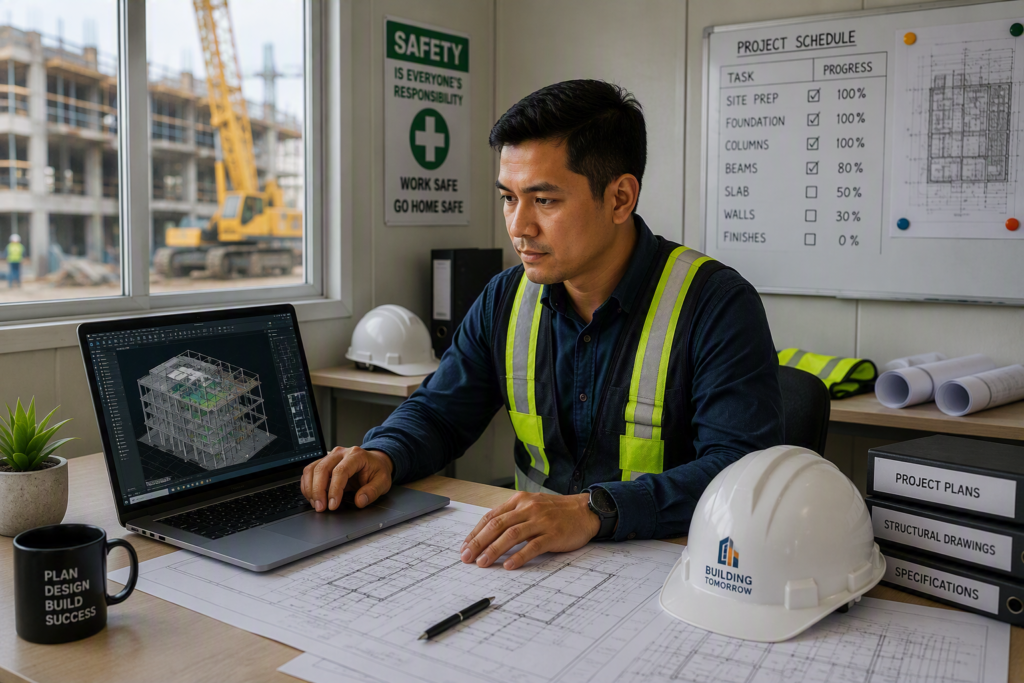
Design file management and site connectivity apply to construction firms anywhere. The site connectivity notes below reflect Philippine project conditions.
The problems we see most
The model takes forty minutes to open
A single large file pulled over a domestic connection, every time someone needs to look at it.
A single authoritative location for current models with proper versioning, so there is one answer to which drawing is current.
Site has no usable connectivity
Progress reporting, procurement and RFIs depend on a link that dies in the rain or never existed beyond a phone hotspot.
Bandwidth and storage planned around actual file sizes and concurrent access, not general office averages.
Revisions lost between office and site
The site builds from a superseded drawing because the revision was circulated by email and one recipient did not get it.
Ruggedised or appropriately specced machines, local caching, and redundant connectivity for the site office.
Laptops that die in the field
Consumer-grade machines in a dusty, hot environment, failing on the schedule they are most needed.
File synchronisation designed for links that drop, so a partial upload resumes rather than restarting.
Reference files scattered
Xrefs and linked models on local drives break the moment the file opens on a different machine.
Field access to drawings, forms and schedules on devices that suit a site, including offline access to what they need on the ground.
Drawings and permits in filing cabinets
Submission records that cannot be retrieved quickly when a question arises months later.
Digitised permit and submission records with retention, so the file from two years ago is findable in minutes.
The superseded drawing
A medium contractor with three active sites. A structural revision is issued on a Friday afternoon and circulated by email with a 30MB attachment.
- 01
Two site engineers receive it. One is travelling and does not.
- 02
On Monday the affected section is built to the previous revision.
- 03
The error is found during inspection and requires demolition and rebuild.
- 04
The record shows the revision was issued, so the question becomes who is liable.
Nobody was careless. The system relied on people receiving an email. A single current-version location with notification the field cannot miss makes the drawing under construction and the drawing in the system the same drawing by construction, not by diligence.
Project and regulatory obligations
Construction carries heavy documentary obligations. We keep the records retrievable and the systems reliable; the professional and legal calls remain with your team.
From first call to steady state
- 01
Review how drawings flow
From authoring to site, and where copies diverge
We map the real route, including the WhatsApp groups and the USB sticks. - 02
Fix the version problem
One current location, controlled issue, clear status
The single highest-value change on most construction engagements. - 03
Rebuild storage and site links
Sized for file loads, with redundancy and interruption-tolerant sync
Rolled out per site so no project stops mid-migration. - 04
Equip and train the field
Appropriate devices plus the discipline to use them
Adoption is the whole thing. A system the field ignores is worse than none.
Scope, spelled out
- 01Central model and drawing repository with versioning
- 02Storage and bandwidth sized for BIM and CAD
- 03Interruption-tolerant file synchronisation
- 04Redundant connectivity for site offices
- 05Field devices suited to site conditions
- 06Offline access to current drawings and forms
- 07Digitised permit and submission archive
- 08Site-to-office coordination workflows
Straight answers
Our sites are in areas with poor mobile signal. Can this work?
Yes, with a design that assumes interruption rather than fighting it. Local copies of current drawings, resumable synchronisation, and store-and-forward for field reports mean a weak link slows the process without stopping it.
Do we need to move our models to the cloud?
Not necessarily. What matters is that there is one authoritative current version with controlled issue. That can be cloud or on-premise, and we will recommend based on your file sizes, sites and budget rather than a default.
Can you support AutoCAD, Revit and Tekla?
We support the environments they run on: workstations, storage, licences and network. We are not going to tell you how to model a structure, and we make sure the model opens quickly and the licence is available when you need it.
We have old paper drawings and permits. Is digitising worth it?
Usually yes for anything you may need to produce under time pressure. The cost of an unretrievable record is realised at the worst possible moment, during a dispute or an inspection.
Related industries and services
Talk to someone who understands your industry
A short call is usually enough for us to tell you where the real risk sits in your setup. No obligation, and no jargon.